There are a few different ways to display an image in a post.
Using regular Markdown syntax
Using regular Markdown syntax is possible. Most images will be rendered with a lightbox and a caption, taken from alt text or title.
Here is an image with alt text and a caption. The caption appears below the image.
Result:

If you just provide alt text, that will get used as the caption instead.
Result:
You can use a little markdown in the caption.
Result:
Image links don’t get a lightbox
As an exception, if the image is wrapped in a link, it won’t get a lightbox.
Image that links to example.com:
[](https://example.com)
Using the figure shortcode
The figure shortcode is similar to the normal Markdown image syntax, but it has some extra features.
There are some width options, and the lightbox can be disabled.
Here is the code:
{% figure "/assets/images/image001.jpg", "Your **caption**" %}Result:
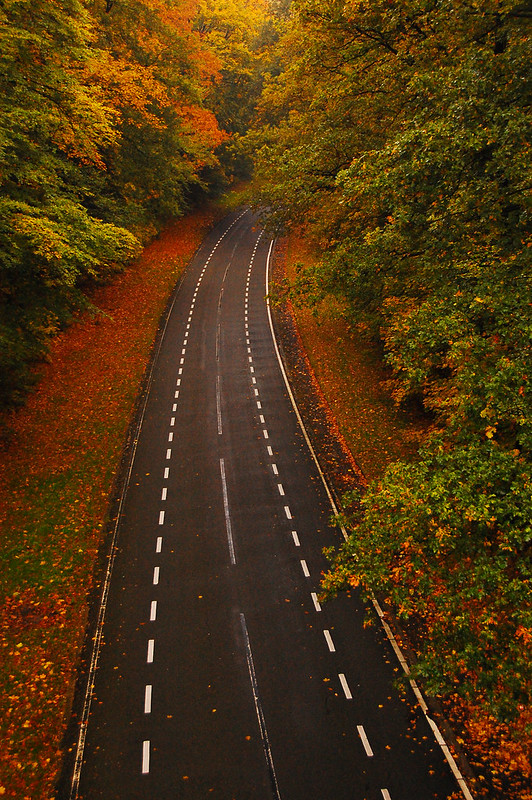
Width options
The image width can also be set to default, half, third, or unconstrained. It’s the third argument to pass to the shortcode.
{% figure "/assets/images/image001.jpg", "Your **caption**", "third" %}Here is the output:
Disable lightbox
The lightbox can be disabled, it is the fourth argument to pass to the shortcode.
{% figure "/assets/images/image001.jpg", "Your caption", "", false %}Produces:
Alt text
For accessibility, the alt text of an image should describe the contents of an image, it’s not the same as a caption.
The figure shortcode has an optional 5th argument, which is the alt text. If not provided, it will be an empty string.
{% figure "/assets/images/image001.jpg", "Image credit [flickr/mendhak](https://www.flickr.com/photos/mendhak/4079354373)", "", true, "This is the alt text" %}Produces:
Unconstrained full width image
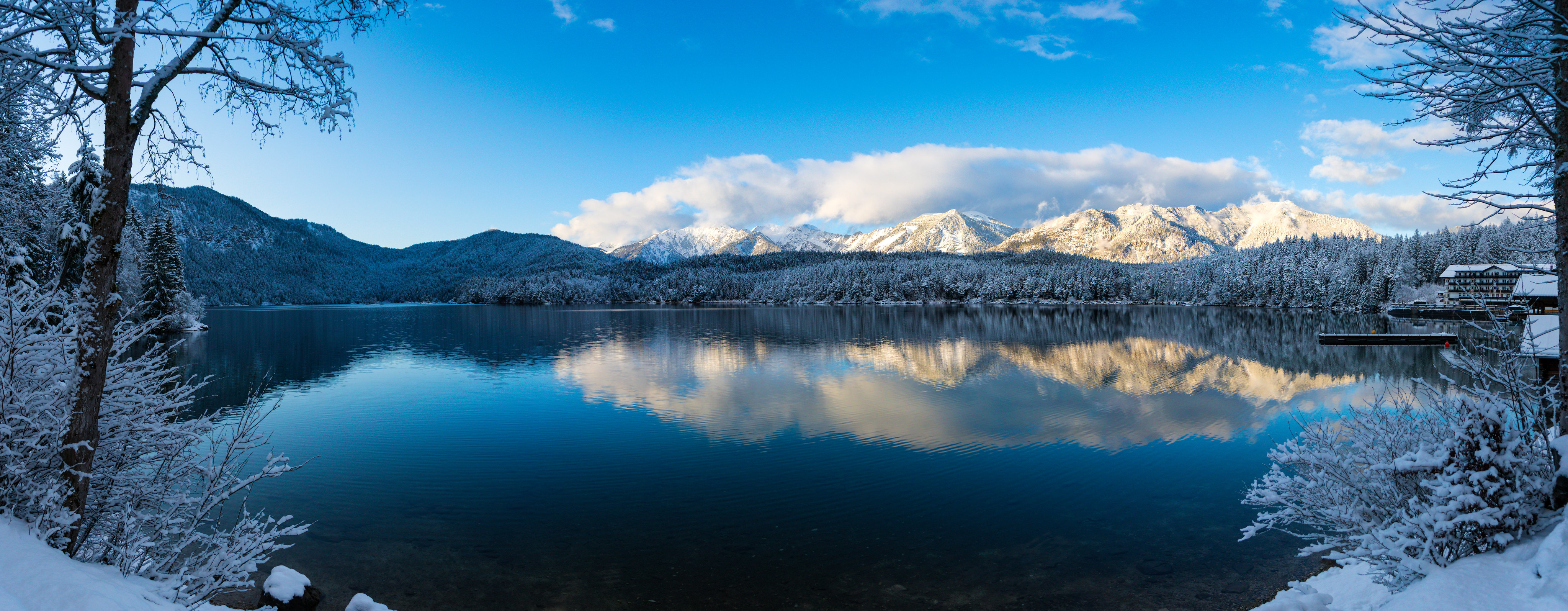
The unconstrained width option will let the image render to its full width, across the entire page. The lightbox is disabled if the width is set to unconstrained.
{% figure "https://live.staticflickr.com/65535/49241129673_0f0d5f2751_4k.jpg",
          "Icy cold lake",
          "unconstrained",
          true,
          "a cold lake with mountains in the background" %}
Produces:
Raw HTML
In Markdown it’s possible to us the <img> HTML tag; the image is shown as-is, no lightbox, no center alignment.
<img src="/assets/images/image002.jpg" alt="Image served using HTML">Produces:
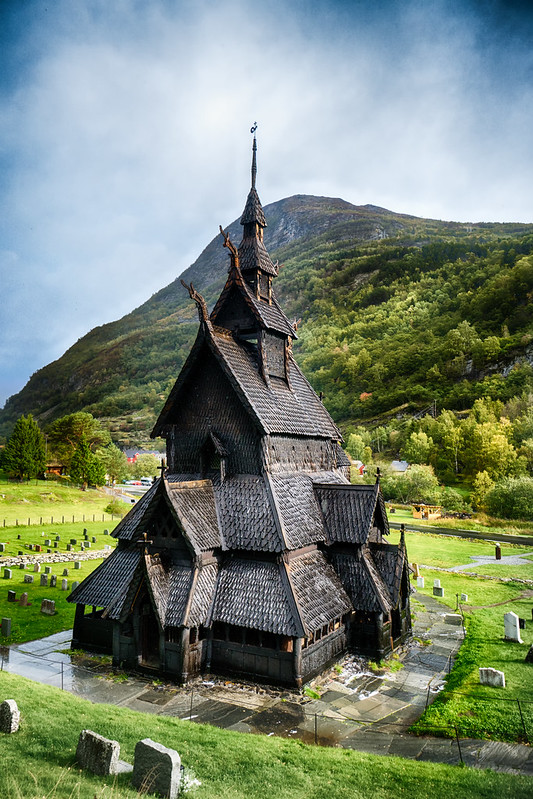
Figure and caption
It’s possible to show a figure and a caption, with the image centered, without a lightbox.
<figure>
  <img src="/assets/images/image002.jpg" alt="An image of a dark, wooden church in the Norwegian countryside">
  <figcaption>
    An image served using HTML figure and figcaption
  </figcaption>
</figure>
Which results in:
…with a lightbox
This almost certainly isn’t worth doing and can break as the lightbox implementation keeps changing across releases. It really isn’t worth doing.
Anyway: adding a span with class lightbox-image and a data-src to the image will make it appear in a lightbox. Note that the data-src needs curly braces around it to resolve properly. Did I mention this isn’t worth doing?
<figure>
  <span class="lightbox-image" data-src="{{ '/assets/images/image002.jpg' | url }}">
     <img src="/assets/images/image002.jpg" alt="An image of a dark, wooden church in the Norwegian countryside
  </span>
  <figcaption>
    An image served using HTML figure and figcaption
  </figcaption>
</figure>
Which results in: