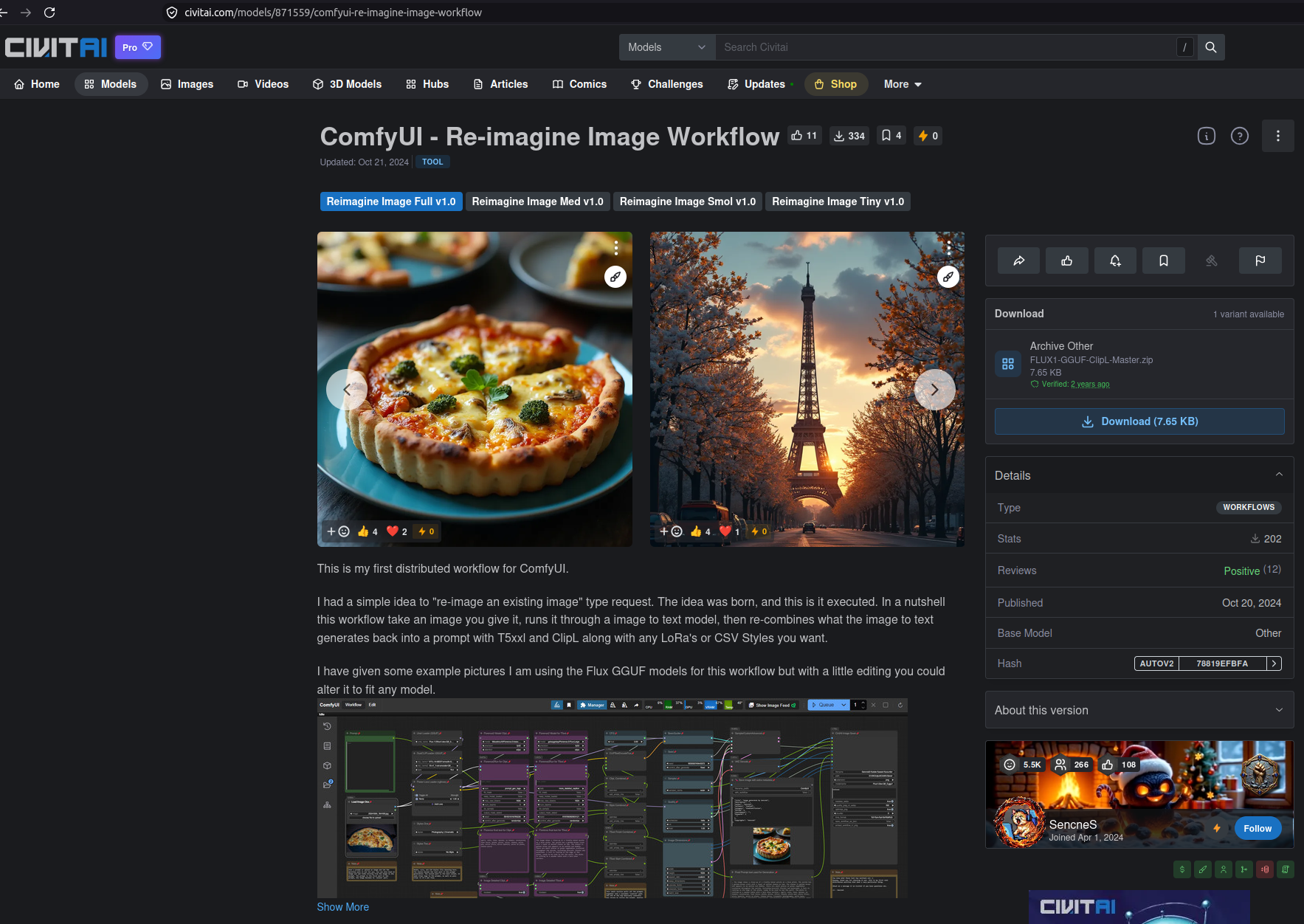
While researching topics around relatively niche subjects, mostly cats, I’ve needed to access certain websites that block traffic from the UK, namely imgur and civitai. These platforms are global in nature and otherwise accessible to most people, who will have little reason to cater to my geographic circumstances. The most common, but inconvenient, workaround is to turn on a full VPN, visit the pages, and then disconnect and resume normal browsing.
A more seamless approach would be to route just the traffic for those domains through a VPN, while keeping the rest of my traffic at its normal speed and routing.
This is possible as a follow-up to my existing gluetun VPN setup post. Here it is actually working:
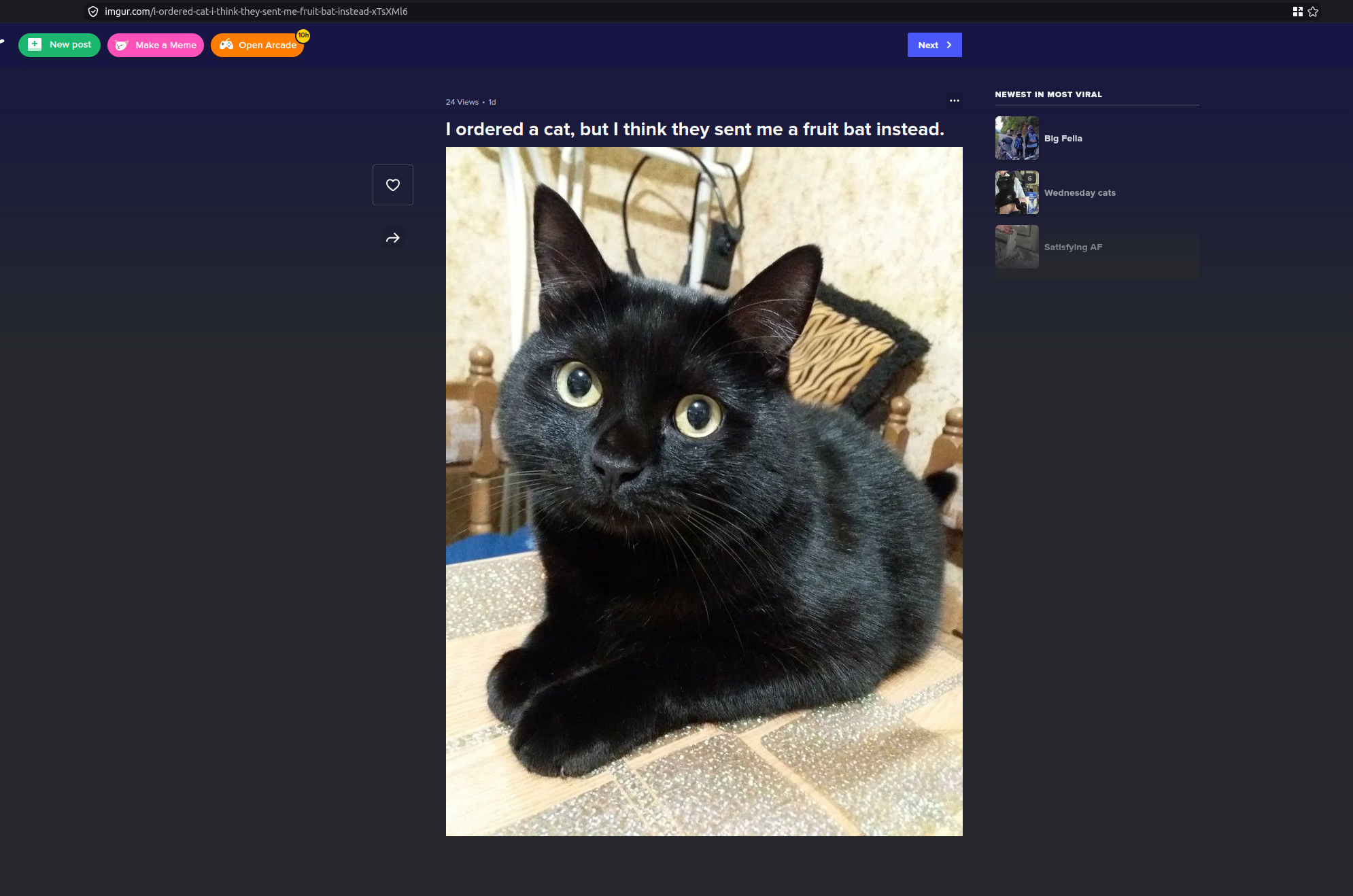
The principles are the same, it involves routing traffic for a container through gluetun, which acts as the VPN gateway. The idea here is to pick specific domains, and force those requests to go through the VPN, while keeping the rest of the traffic on the regular network.
How it works
To do this I set up an nginx web server as a reverse proxy, and all it does is forward the requests along to the original intended domain. The container running nginx is passing requests through the gluetun VPN container, which is being pointed at a VPN server.
To get domains pointing at the nginx proxy, I use pi-hole, and override the DNS entries for those specific domains, directing them to the IP address of the mini PC running the nginx container.
nginx configuration
The map directive below is what makes this generic and reusable; it will take any domain and forward it to the intended destination. That means it can scale easily to handle more and more domains without additional configuration in nginx. As a note, here I’m only forwarding HTTPS traffic.
user nginx;
worker_processes auto;
error_log /var/log/nginx/error.log warn;
pid /var/run/nginx.pid;

events {
    worker_connections 1024;
}

stream {
    resolver 127.0.0.1 valid=30s;
    resolver_timeout 5s;

    map $ssl_preread_server_name $backend_pool {
        ~^(?<target_host>[\w\.-]+)$    $target_host:443;

        default             127.0.0.1:443;
    }

    server {
        listen 443;
        ssl_preread on;

        proxy_pass $backend_pool;
        proxy_connect_timeout 10s;
        proxy_timeout 60s;
    }
}
docker-compose configuration
An abridged docker-compose.yml looks like this:
services:
  gluetun:
    image: qmcgaw/gluetun
    cap_add:
      - NET_ADMIN
    environment:
      - VPN_SERVICE_PROVIDER=surfshark
      - VPN_TYPE=wireguard
      - WIREGUARD_PRIVATE_KEY=xxxxxxxxxxxxxxxxx
      - WIREGUARD_ADDRESSES=10.xx.xx.xx/xx
      - SERVER_COUNTRIES=Albania
    ports:
      - "0.0.0.0:443:443/tcp"   #nginx
    restart: always

  nginxproxy:
    image: nginx:alpine
    container_name: nginxproxy
    network_mode: "service:gluetun"
    volumes:
      - ./nginx.conf:/etc/nginx/nginx.conf:ro
    restart: unless-stopped
This compose file could include other services, and they would all have the same network_mode pointing at the gluetun container.
Though simple, one potential catch is that it claims port 443. If I had wanted to serve an actual HTTPS website off this machine, I’d have to merge it with this existing nginx container, and it could get messy. This doesn’t affect me though, since I’m using Cloudflare tunnels to front my actual local websites.
pi-hole configuration
The final piece is configuring pi-hole to override the DNS entries. This has to be done individually, in the UI:
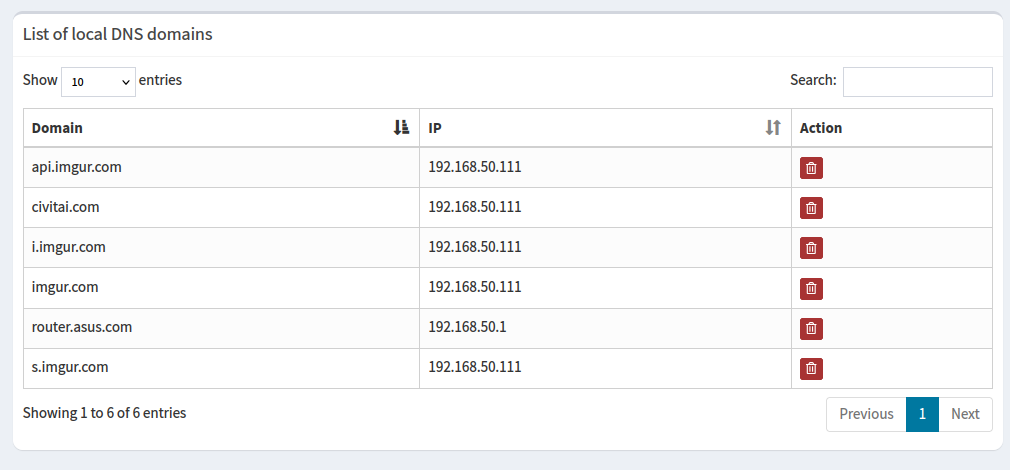
The domains took a bit of trial and error, mostly by inspecting browser network traffic to identify what was returning a 403, and what was critical for the page to load correctly.
However, imgur itself was a tricky case. Firefox wasn’t content just requesting the IP address directly, it would also request the AAAA record as well as HTTP type queries. To combat that, I had to add an override in pi-hole’s dnsmas configuration:
address=/imgur.com/192.168.50.111

local=/#/imgur.com/
The address line tells dnsmasq to resolve imgur.com to the local IP address 192.168.50.111. The local line tells dnsmasq that this domain shouldn’t be forwarded externally, just treat it as a local domain.